A local business does not need clicks from the whole country. A plumber in Sibiu needs calls from Sibiu, a dentist in Cluj needs patients who can actually come to the clinic. Yet many local campaigns pay for clicks from people hundreds of kilometres away, at hours when nobody answers the phone.
This guide shows how to set up Google Ads for local businesses so the budget goes to calls and enquiries from your area: location targeting, radius, ad schedule, call and location assets, keywords, landing pages and budget.
Why Google Ads for local businesses works
When someone searches “emergency locksmith Cluj” or “car rental Sibiu airport”, they need the service now, in that place. Google Ads puts you at the top of the page for exactly those searches, from the first day, and you only pay when someone clicks or calls. With Google Ads for local businesses, the difference between a profitable campaign and a wasted budget is almost always in the settings below.
1. Target the right area
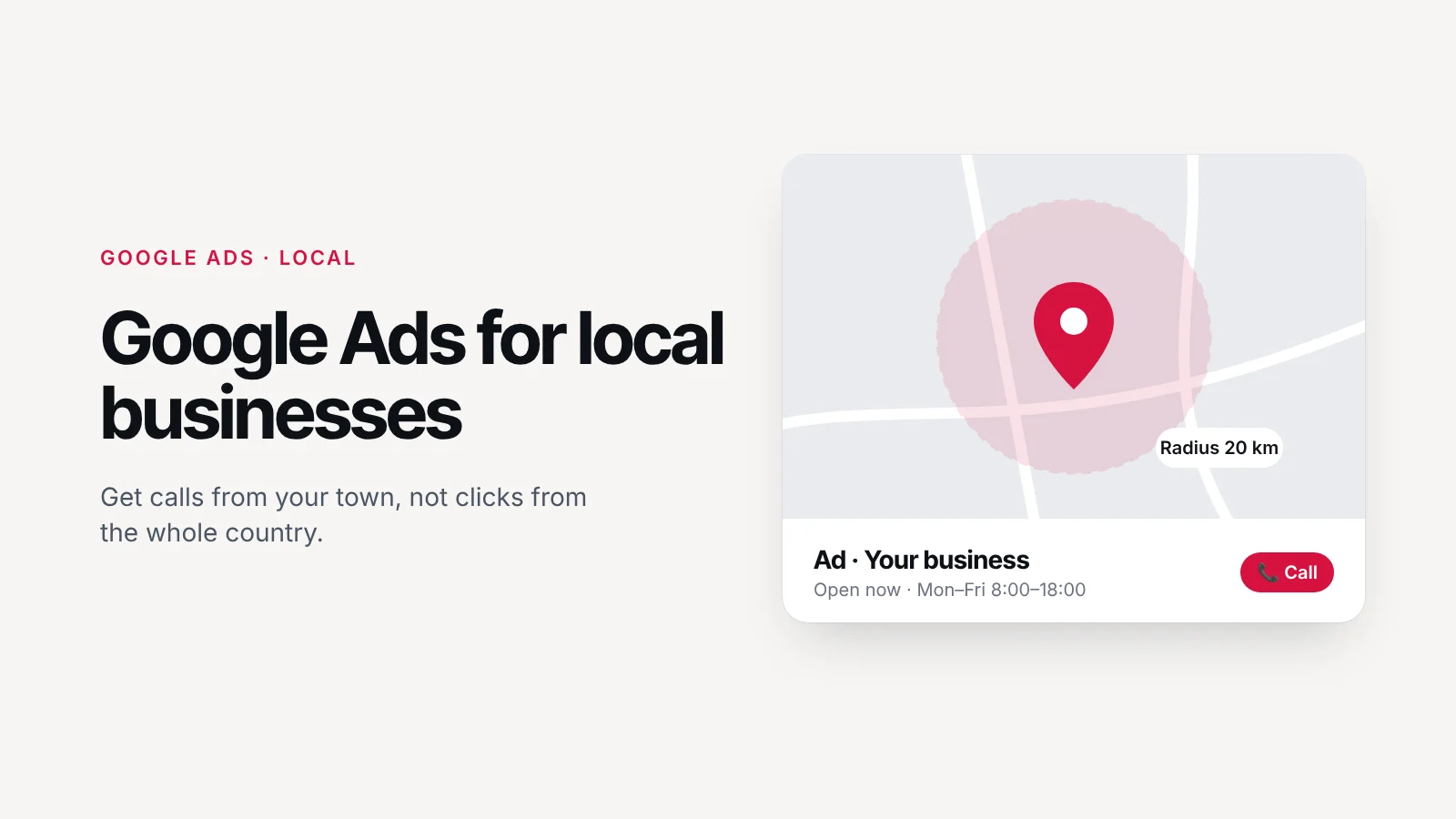
In the campaign settings you can target a country, a county, a city, a postcode or a radius around an address. For most local businesses, one of these works best:
- City or county, when you serve the whole area.
- Radius around your location, for example 15–25 km, when customers come to you or you travel a limited distance.
- Several towns, each added separately, when you serve specific places and not the space between them.
Then exclude the areas you do not serve. Excluding is as important as targeting.
2. Choose “Presence”, not only “Interest”
This is the setting that wastes the most local budgets. By default, Google shows ads to people in your area and to people who have only shown interest in it, wherever they are. Google calls this the recommended option, because it brings more traffic (Google Ads Help).
For a business that serves only people who are actually in the area, such as a plumber, a dentist or a restaurant, the “Presence” option is usually the better choice: it shows ads only to people who are, or regularly are, in your locations. The exception is a business whose customers search from far away before they come, like a hotel, a car rental at an airport or a tourist service. There, reaching people who are interested in your city is exactly the point.
3. Show ads only when you can answer
With the ad schedule you choose the days and hours when your ads appear. If you get calls only during working hours, show call ads only then. You can also raise or lower bids for certain hours, for example in the evening when people search for urgent services.
4. Make calling easy
- Call assets add your phone number to the ad, so people can call with one tap. You can schedule them to show only when someone is there to answer, and count calls as conversions (Google Ads Help).
- Location assets, linked to your Google Business Profile, show your address, distance and directions under the ad.
- On the landing page, put the phone number and a “Call now” button at the top, and keep them visible on mobile.
A complete Google Business Profile helps here too: the same details, reviews and hours support both the ads and the map.
5. Use local keywords and negative keywords
- Bid on searches that show clear intent: the service plus the town (“roof repair Sibiu”), “near me” searches and urgent searches.
- Write the town in the ad text and on the landing page. People click ads that clearly speak to their area.
- Add negative keywords for what you do not want: “free”, “jobs”, “course”, “DIY”, or other cities you do not serve.
6. Send people to a local page
A page about your service in that town converts far better than the homepage. It should say what you do, where, how fast you can come or how to get to you, prices or price ranges, reviews from local customers and a clear phone number and form. For businesses in several cities, a page for each city works for both ads and SEO.
7. Track calls and forms as conversions
For a local business, a click is not a result; a call or a form is. Track calls from ads, calls from the website, form submissions and WhatsApp clicks. Then Google can optimise for customers, and you can see what each enquiry costs.
8. Set a realistic local budget
Google Ads for local businesses usually needs less budget than national campaigns, because the audience is smaller. Calculate it from the number of enquiries you want, your conversion rate and the cost per click in your town; our Google Ads budget guide shows the formula with a worked example. Start focused, on one or two services, and increase the budget only when you know what one customer costs you.
Real examples
For Daune Express, a car damage claims centre, the campaigns cover searches for claims help in each of its four cities, Cluj, Sibiu, Alba Iulia and Târgu Mureș, and send drivers straight to the phone number or the online claim form, because after an accident people call the first centre they trust.
For Vabova Speed, a car rental at airports and train stations in Transylvania, the logic is the opposite: many customers are Romanians living abroad or foreign travellers who search before they land. The campaigns reach them in 13 European countries, with a separate ad group for each airport city, and every completed booking is tracked as a conversion.
That is the key to Google Ads for local businesses: same platform, two very different location settings, chosen for how each business’s customers really search.
Frequently asked questions
What radius should I target?
As far as you actually serve, and a little less at the start. Look at where your current customers come from, then expand once you see which areas bring enquiries.
Can I show ads in several cities with different texts?
Yes. Create a campaign or ad group for each city, with the city name in the ads and a landing page for that city. It costs a bit more work and usually brings better results.
Is Google Ads for local businesses worth it?
Usually yes, if the settings are right and calls are tracked. A small, focused local campaign can bring enquiries from the first week, while SEO and the Google Business Profile grow.
Want calls from your area, not clicks from everywhere?
We set up and manage local Google Ads campaigns, with call tracking and landing pages for each town. Our management starts from €400 per month, without VAT. See our Google Ads management service or ask for a quote.